🎨 PIXEL SMITH Éditeur de Pixel Art avec IA
A downloadable tool for Windows
🎨 Why Pixel Smith?
Pixel Smith revolutionizes pixel art creation by combining professional tools with advanced artificial intelligence. Whether you're a beginner or professional, create stunning pixel art masterpieces in just a few clicks!
🌐 Multilingual Interface
Pixel Smith offers complete bilingual support for maximum accessibility:
⦁ 🇫🇷 French Interface: Complete French translation for French-speaking users
⦁ 🇬🇧 English Interface: Full English interface for international users
⦁ 🔄 Real-time Language Switching: Change language instantly without restarting
⦁ 📖 Translated Help System: Complete help documentation in both languages
⦁ 🎯 Localized Tools: All tools, menus, and options translated
⦁ 💡 Bilingual Tips: Usage tips and guides available in both languages
🤖 Revolutionary AI Pixel Art
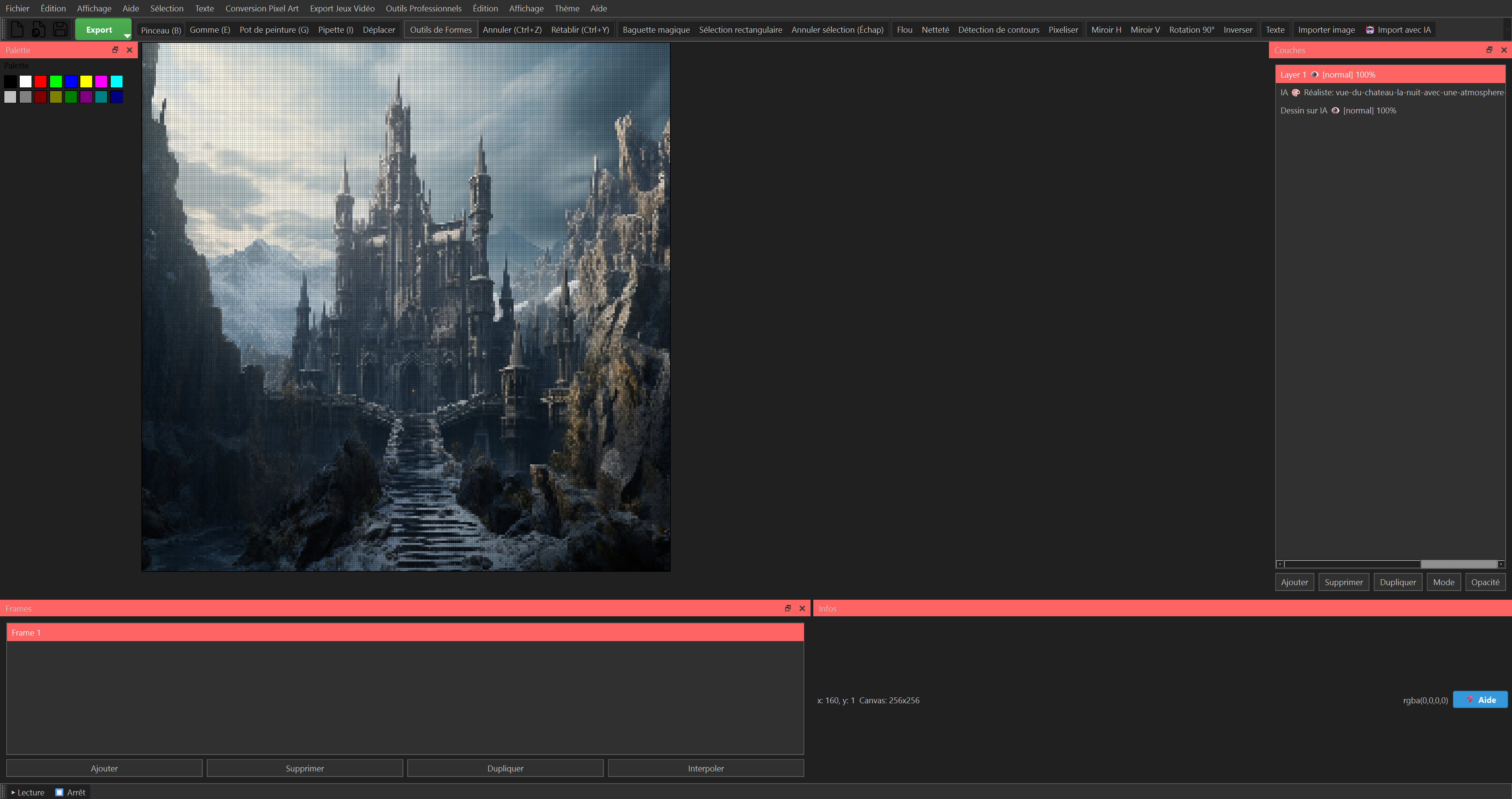
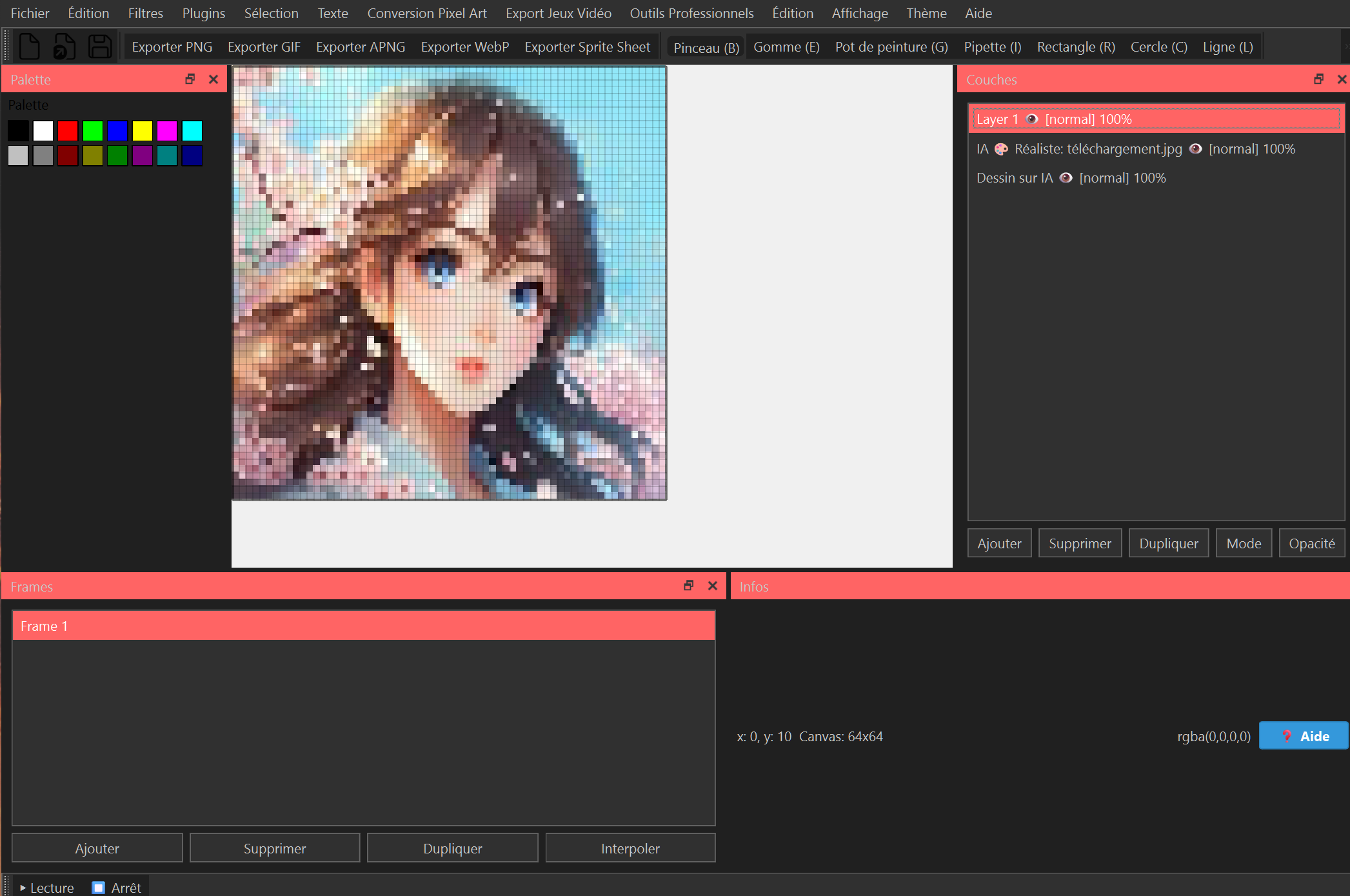
Our AI analyzes your images and transforms them into professional-quality pixel art with 8 different styles:
⦁ 🎮 Retro Gaming: Classic arcade style
⦁ 🎌 Manga/Anime: Japanese aesthetic
⦁ 📸 Realistic: Preserves original details
⦁ 🎨 Abstract: Unique artistic creations
⦁ 🧙 Fantasy: Magical and epic universes
⦁ 🤖 Cyberpunk: Futurism and neon
⦁ 🌿 Nature: Landscapes and natural elements
⦁ 👤 Portrait: Specialized for characters
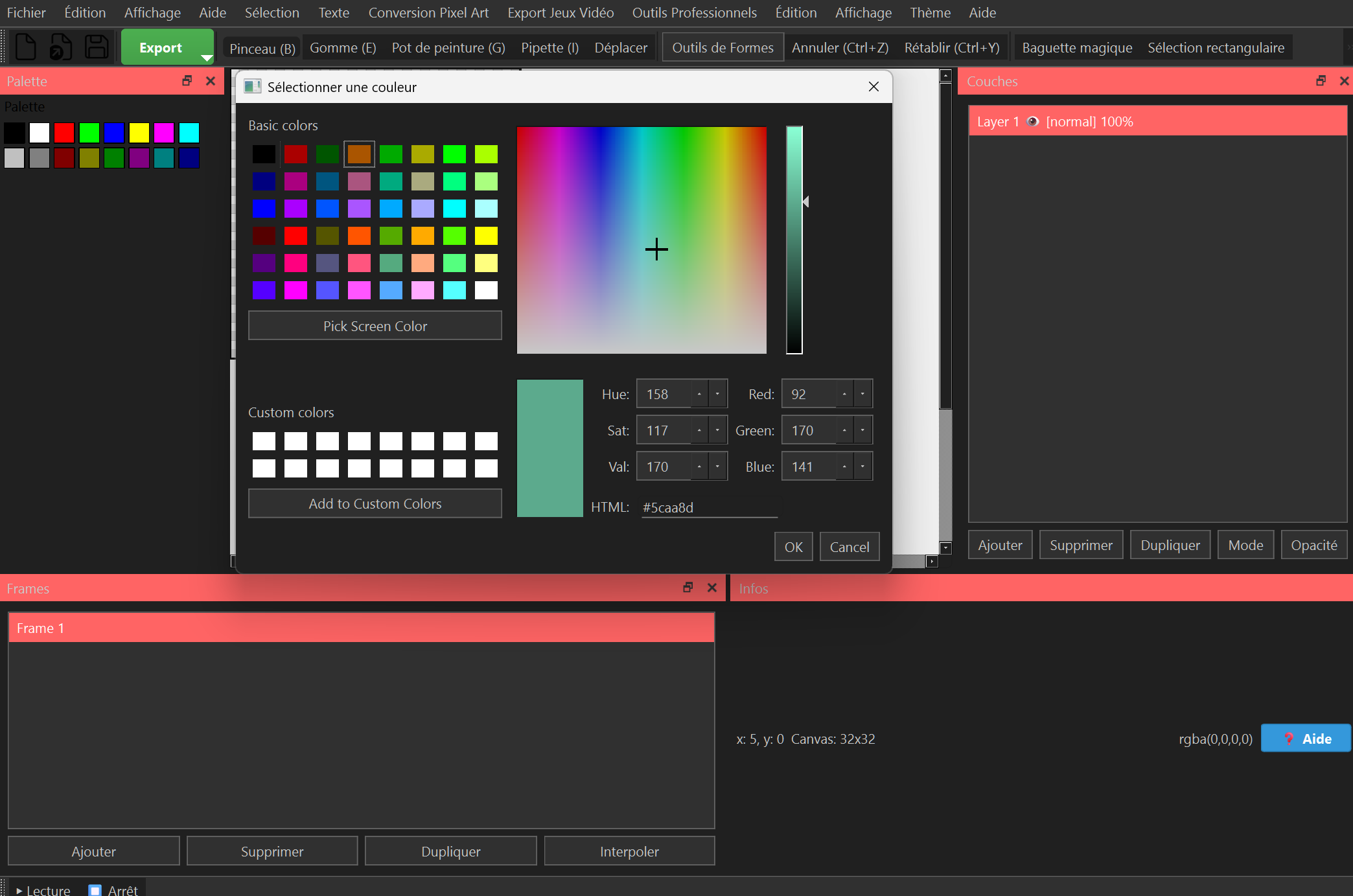
🛠️ Professional Tools
⦁ Smart Brush: Variable size, opacity, blend modes
⦁ Precise Eraser: Pixel-by-pixel erasing
⦁ Paint Bucket: Smart filling with tolerance
⦁ Eyedropper: Instant color selection
⦁ Geometric Shapes: Rectangle, circle, line with advanced options
⦁ Text: Text addition with customizable fonts
⦁ Selection: Rectangular and free selection tools
📱 Multi-Format Export
⦁ PNG: Maximum quality for printing
⦁ GIF: Web-optimized animations
⦁ APNG: High-quality animations
⦁ WebP: Modern and lightweight web format
⦁ Sprite Sheet: Export for video games
⦁ Unity: Direct export for Unity Engine
⦁ Unreal: Export for Unreal Engine
🎬 Advanced Animation
Create smooth animations with:
⦁ Multiple Frames: Management of several images
⦁ Interpolation: Automatic transition between frames
⦁ Preview: Real-time playback
⦁ Optimized Export: Reduced file size
🎯 Precision and Quality
⦁ Smart Grid: Perfect pixel alignment
⦁ Zoom: Up to 3200% for precision
⦁ Guides: Helper lines for composition
⦁ History: Unlimited undo/redo
⦁ Layers: Multiple layer management
⦁ Opacity: Transparency control
💾 Project Management
⦁ Save: Proprietary .pxproj format
⦁ Load: Resume your work instantly
⦁ Export: Save in different formats
⦁ History: Modification tracking
🎮 Target Audience
⦁ Game Developers: Sprite and asset creation
⦁ Pixel Artists: Professional artistic creations
⦁ Beginners: Intuitive interface and AI assistance
⦁ Professionals: Advanced tools and optimized export
⦁ Students: Pixel art learning
⦁ Content Creators: Animations and illustrations
⦁ International Users: French and English speakers worldwide
🎯 Use Cases
⦁ Video Games: Sprites, tilesets, characters, objects
⦁ Animations: Animated GIFs, animated sprites
⦁ Digital Art: Pixel artistic creations
⦁ Prototyping: Mockups and wireframes
⦁ Education: Pixel art learning
⦁ Portfolio: Professional creations
🚀 Quick Start
1. Install Pixel Smith on Windows
2. Choose Language: Select French or English interface
3. Open a new image or import a photo
4. Use AI to convert to pixel art
5. Draw with professional tools
6. Export in desired format
💡 Usage Tips
⦁ Start small: 16x16 or 32x32 pixels
⦁ Use AI: To convert your photos
⦁ Experiment: With different styles
⦁ Save regularly: Your projects
⦁ Export: In multiple formats according to usage
⦁ Switch Language: Use View > Language menu for instant translation
🎨 Creation Examples
With Pixel Smith, you can create:
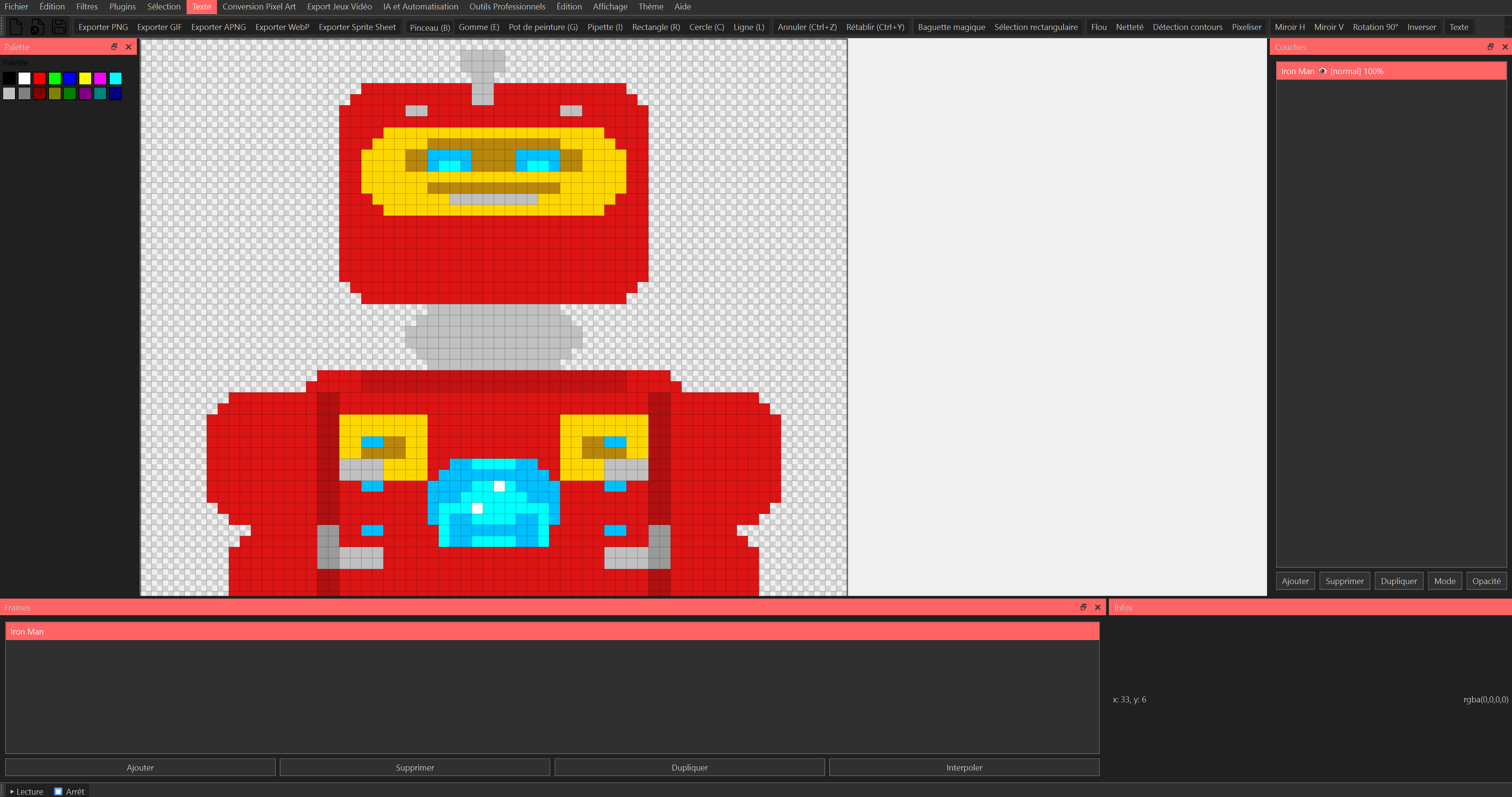
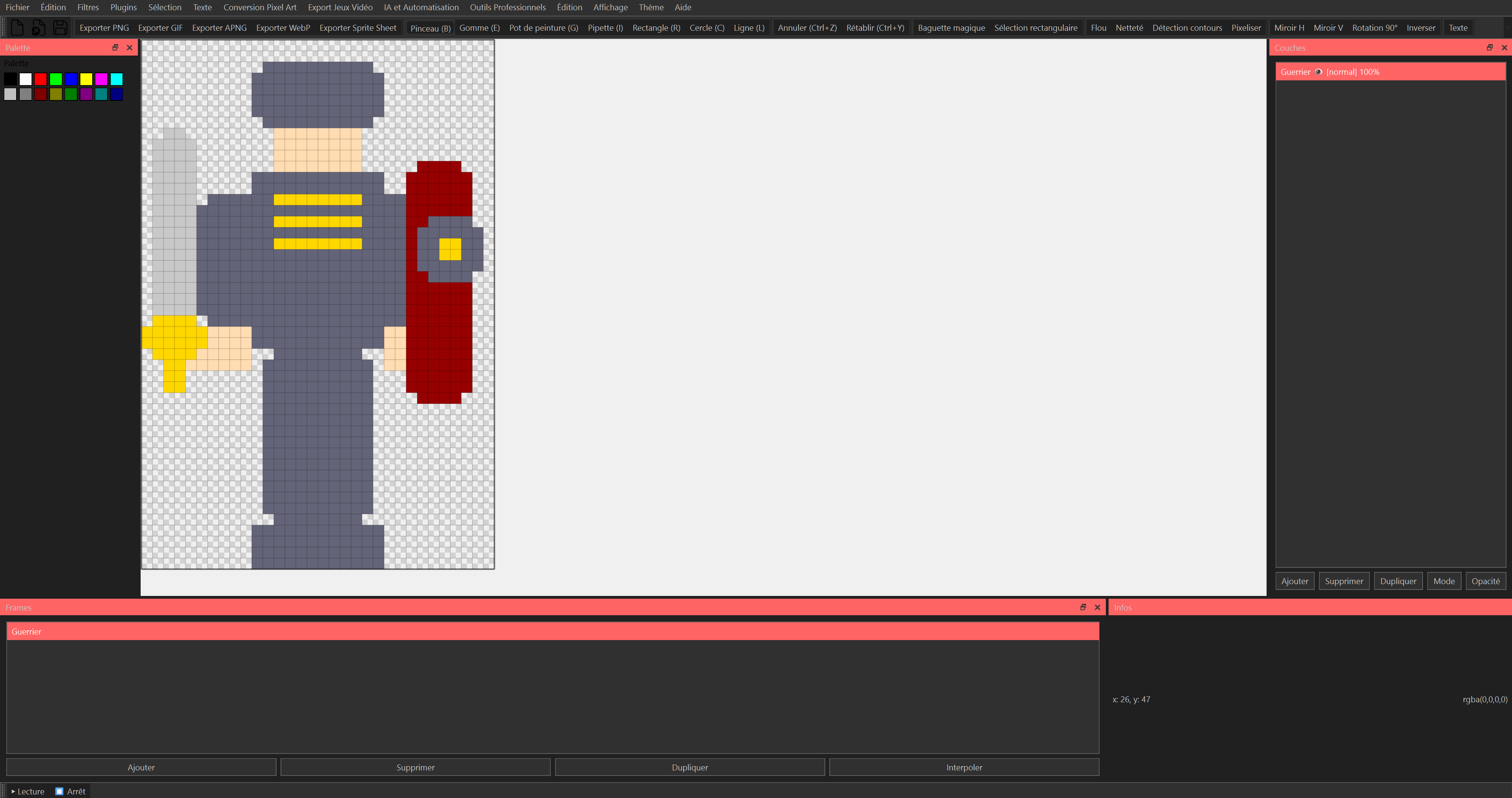
⦁ Characters: Heroes, enemies, NPCs
⦁ Environments: Landscapes, buildings, scenery
⦁ Objects: Weapons, items, collectibles
⦁ Animations: Movements, effects, transitions
⦁ Interfaces: Buttons, icons, HUD
⦁ Art: Pixel artistic creations
---
🌟 Perfect for French and English speakers worldwide! Whether you're creating pixel art in Paris or New York, Pixel Smith adapts to your language preference instantly!
🎨 Start creating amazing pixel art today with Pixel Smith - the professional choice for artists worldwide!
Purchase
In order to download this tool you must purchase it at or above the minimum price of 4.99€ EUR. You will get access to the following files:
Leave a comment
Log in with itch.io to leave a comment.